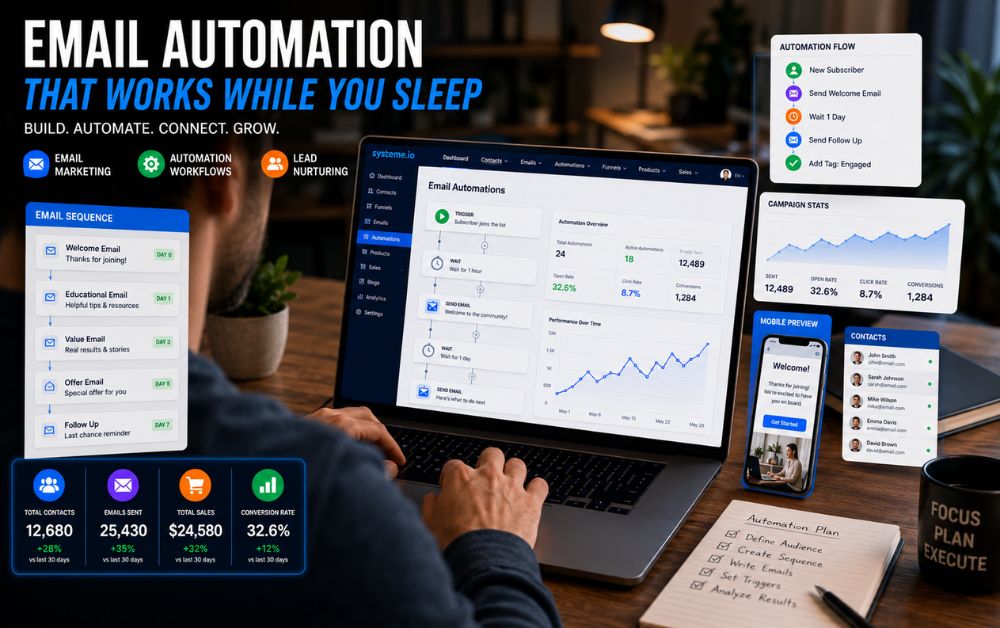
When I first started growing my email list, I handled every follow-up manually.
At first, it seemed manageable.
A few subscribers joined each day.
A few emails needed replies.
A few leads required nurturing.
But as traffic increased, the workload grew quickly.
Every morning I found myself checking subscriber lists, sending welcome emails, tracking conversations, and scheduling future messages.
Instead of creating content or improving my business, I was spending hours performing repetitive tasks.
While learning funnel strategies, I had already documented my experience in How I Built My First Sales Funnel Using Systeme.io , but I soon realized that building a funnel was only half the solution.
The real challenge was what happened after someone joined my list.
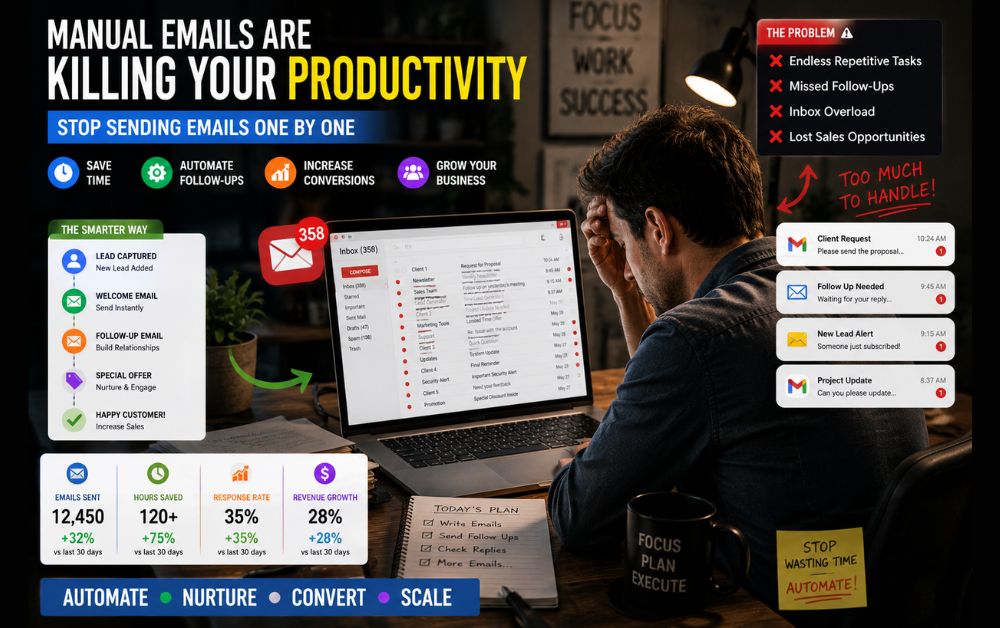
My Old Manual Process
My workflow looked something like this:
- New subscriber joins
- Send welcome email manually
- Wait two days
- Send another email manually
- Track responses
- Schedule follow-up reminders
- Repeat process
This system worked when I had very few subscribers.
But as my audience grew, everything became difficult to manage.
I constantly worried about forgetting someone.
Sometimes leads slipped through the cracks simply because I was busy.
The entire process depended on me remembering every step.
That was not sustainable.
The Problems With Manual Follow-Ups
The biggest issue wasn’t sending emails.
The biggest issue was consistency.
Some subscribers received messages immediately.
Others waited days.
Some received too many emails.
Others received none.
That inconsistency affected engagement and conversions.
I also noticed another problem.
My business couldn’t grow beyond my available time.
Every new subscriber created more work.
Eventually, I realized I needed an all-in-one email automation platform that could handle repetitive tasks automatically.
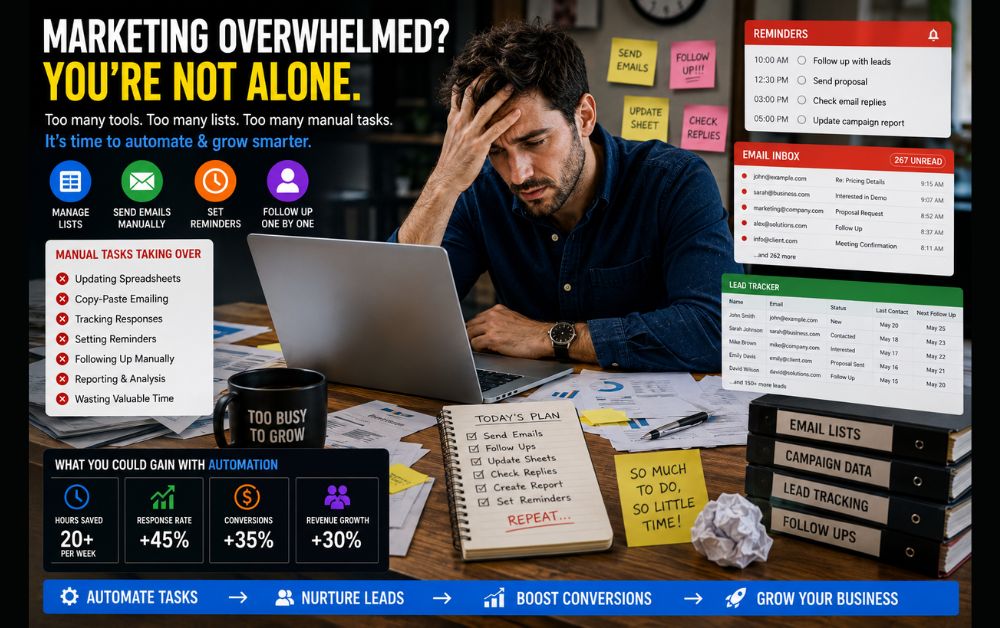
Why I Decided to Automate Everything
One afternoon, I calculated how much time I spent every week on email follow-ups.
The result surprised me.
Between sending messages, tracking subscribers, checking responses, and organizing campaigns, I was spending almost six hours every week.
Six hours.
That’s nearly an entire workday.
I started looking for ways to automate the process without creating additional technical headaches.
I wanted:
- Automated welcome emails
- Subscriber tagging
- Follow-up sequences
- Lead nurturing
- Simple workflow management
without installing multiple tools.
Discovering Systeme.io Automation
During my research, I came across Systeme.io .
At first, I thought it was simply a funnel builder.
But after exploring the platform, I discovered built-in email automation features that could handle most of my workflow.
Instead of connecting separate tools together, everything existed inside one dashboard.
That simplicity immediately caught my attention.
I also revisited ideas from my first sales funnel case study because the platform allowed funnels and email automation to work together seamlessly.
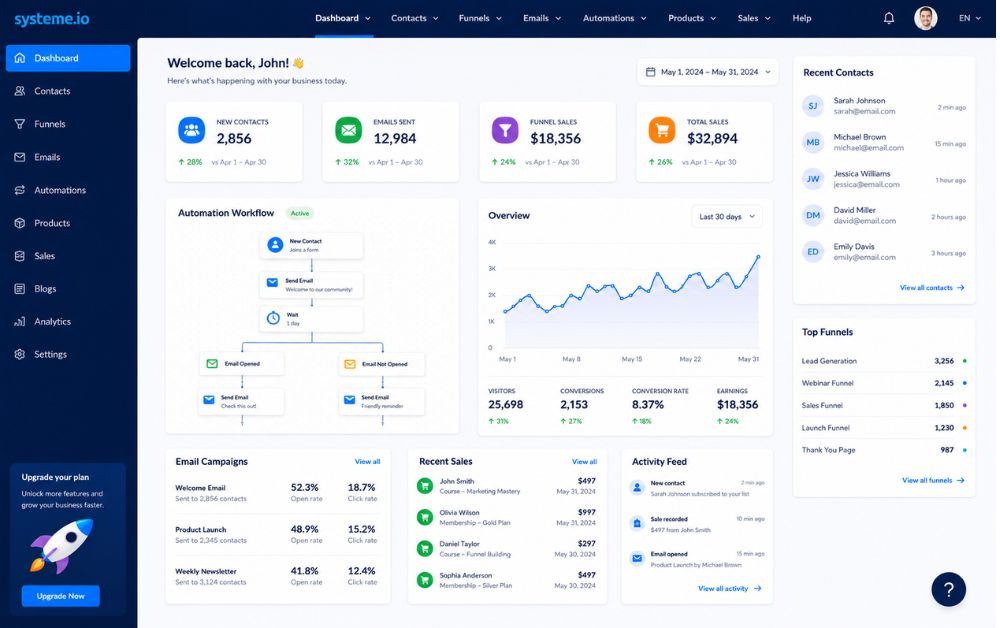
How I Built My First Email Workflow
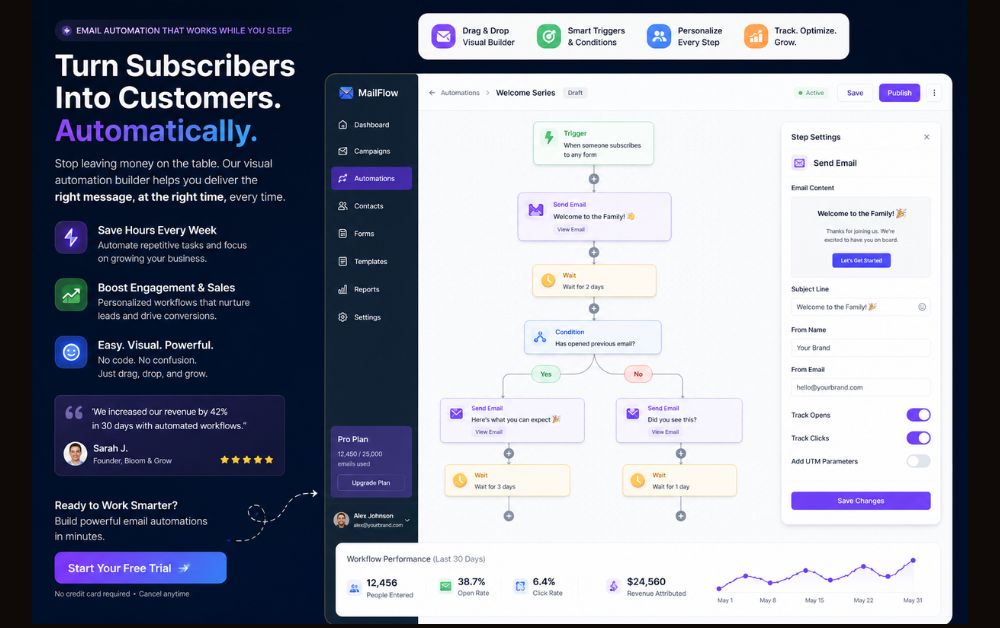
I started with a simple automation.
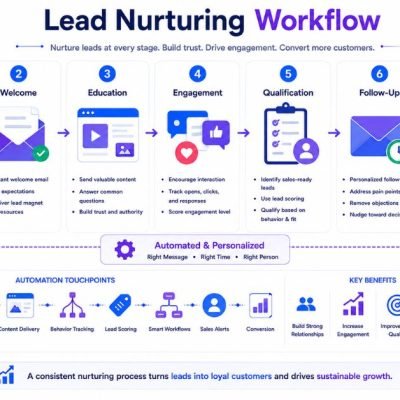
When someone subscribed:
- Send welcome email immediately
- Wait one day
- Send educational email
- Wait two days
- Send helpful resource
- Invite reply
The workflow was surprisingly easy to create.
Using the built-in email automation tools, I simply connected each step visually.
No coding.
No complicated integrations.
No technical setup.
My Welcome Email Sequence
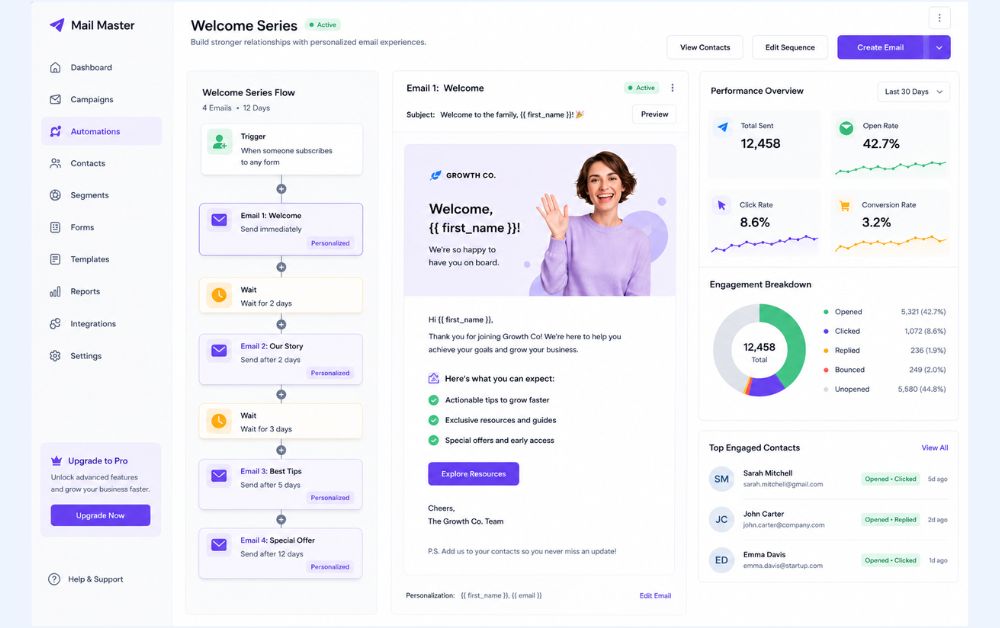
The first email sequence contained four messages.
Email 1: Welcome
I introduced myself and explained what subscribers could expect.
Email 2: Helpful Resource
I shared practical advice related to online business growth.
Email 3: Common Mistakes
I discussed mistakes beginners often make.
Email 4: Next Steps
I encouraged subscribers to take action.
The goal wasn’t selling.
The goal was building trust.
That simple change dramatically improved engagement.
Follow-Up Automation Strategy
One lesson I learned was that automation should feel human.
Nobody wants robotic emails.
I wrote every email as if I were helping a friend.
The automation simply handled delivery.
The content remained personal.
Using the built-in marketing automation system , I could schedule emails based on subscriber actions instead of sending generic broadcasts.
I also applied lessons from my beginner funnel setup guide , which helped improve the entire customer journey.
Results After 30 Days
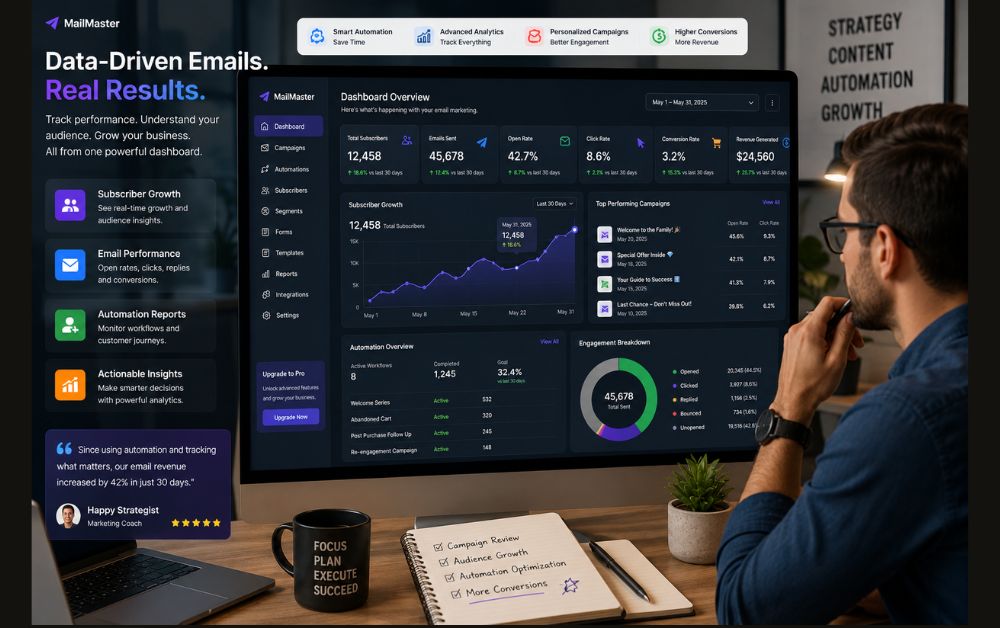
After implementing automation, several things improved.
Time Saved
I saved approximately six hours every week.
Better Consistency
Every subscriber received the same experience.
Improved Engagement
Open rates improved because emails arrived on time.
Reduced Stress
I no longer worried about forgetting follow-ups.
Most importantly, automation allowed me to focus on creating content instead of managing repetitive tasks.
Common Mistakes I Avoided
1. Sending Too Many Emails
More emails do not automatically create more sales.
Quality matters more than quantity.
2. Overcomplicated Workflows
Simple workflows are easier to manage and optimize.
3. Ignoring Subscriber Intent
Every email should provide value.
4. Automating Without Strategy
Automation should support relationships, not replace them.
I learned many of these lessons while improving my funnel-building process .
Pros and Cons
Pros
- Saves time
- Improves consistency
- Better lead nurturing
- Easier scaling
- Less manual work
- Beginner friendly
Cons
- Requires planning upfront
- Poor email content still performs poorly
- Some workflows need testing
FAQs
Yes. The workflow builder is visual and easy to understand even for non-technical users.
It depends on list size, but many small business owners can save several hours every week.
No. The platform is designed for beginners.
Yes. Welcome sequences are one of the easiest workflows to create using email workflow automation .
No. Automation handles repetitive tasks while allowing you to focus on meaningful interactions.
Final Thoughts
Automating my email follow-ups wasn’t just about saving time.
It improved consistency, reduced stress, and created a better experience for subscribers.
If you’re still manually sending follow-up emails every day, there is a good chance you’re spending valuable time on tasks that can be automated.
For me, switching to automation saved roughly six hours every week and allowed me to focus on growing my business instead of managing repetitive processes.
I continue applying lessons from How I Built My First Sales Funnel Using Systeme.io because funnels and email automation work best when they support each other.